Convert EIC and EICR
Turn a signed EIC into an EICR, or an EICR into an EIC
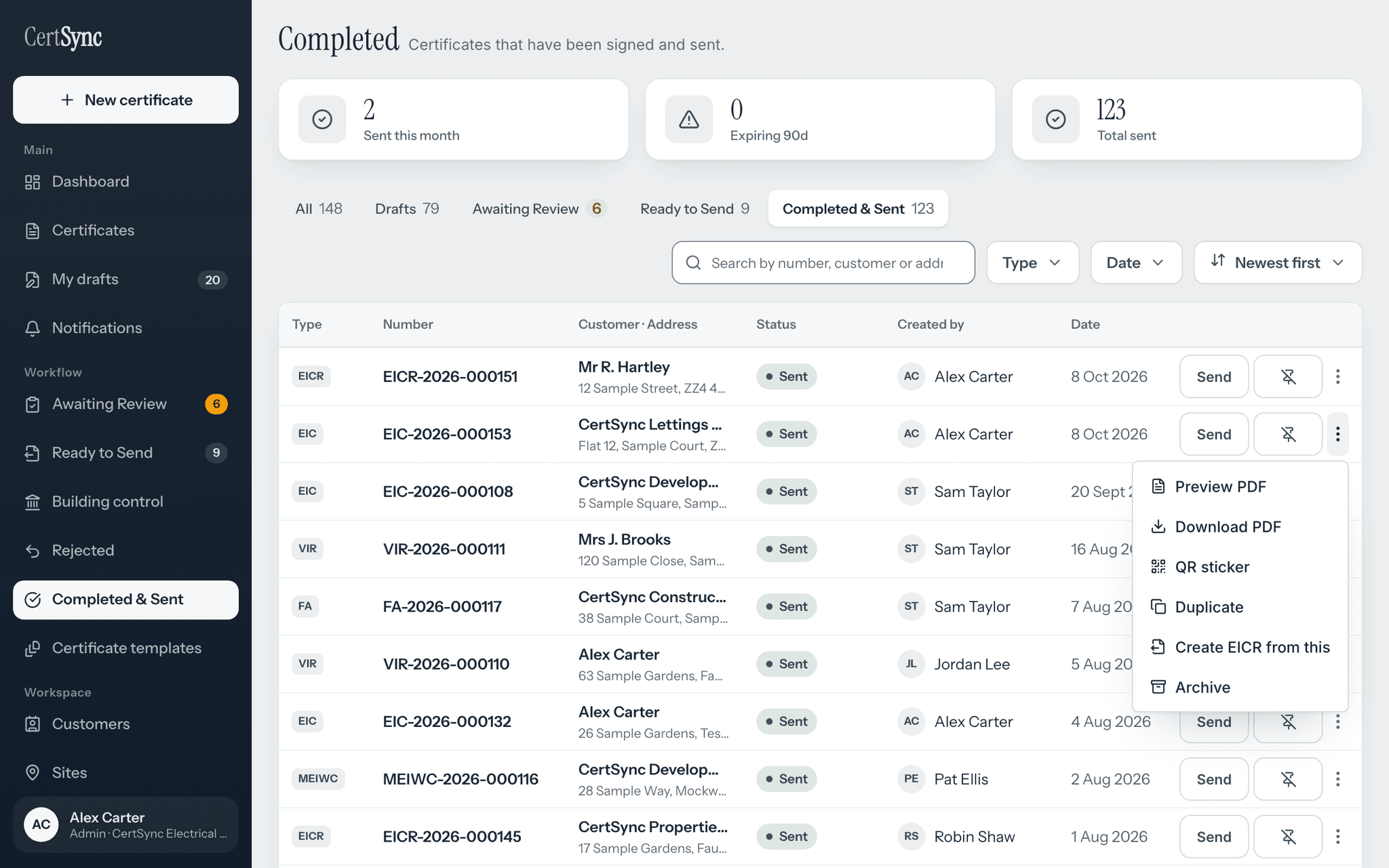
CertSync converts both ways between an EIC and an EICR. Pick a signed certificate, choose Create EICR from this or Create EIC from this, and a new draft of the other type opens with the client, installation, supply, earthing, boards and circuits already filled in. The original certificate is only read, never changed, and the new draft is yours to check, test and sign.
What it does
Exactly what you get
- Conversion works in both directions between the EIC and the EICR, and only between those two certificate types.
- Converting creates a new draft certificate of the other type. The original is only read and stays exactly as it was signed.
- Only a signed certificate can be converted. A certificate that has been replaced by a corrected one is refused, and you are pointed to the current version.
- Client details, the installation address and type of premises, supply characteristics, the supply protective device, earthing and bonding, the main switch and maximum demand carry across.
- Every distribution board and every circuit carries across, with the test readings recorded against them. A reading the original never recorded stays blank.
- N/A and LIM answers and the test instruments listed on the original carry across too.
- The new draft stays filed under the same customer, site and project as the original.
- Signatures and declarations are never copied, and neither are photos.
- Going from an EIC to an EICR, the date of the last inspection is filled in from the EIC issue date, and you can change it.
- Each conversion is written to the audit log with the original certificate, the new draft and both certificate types.
How it works
Three steps
Find the signed certificate
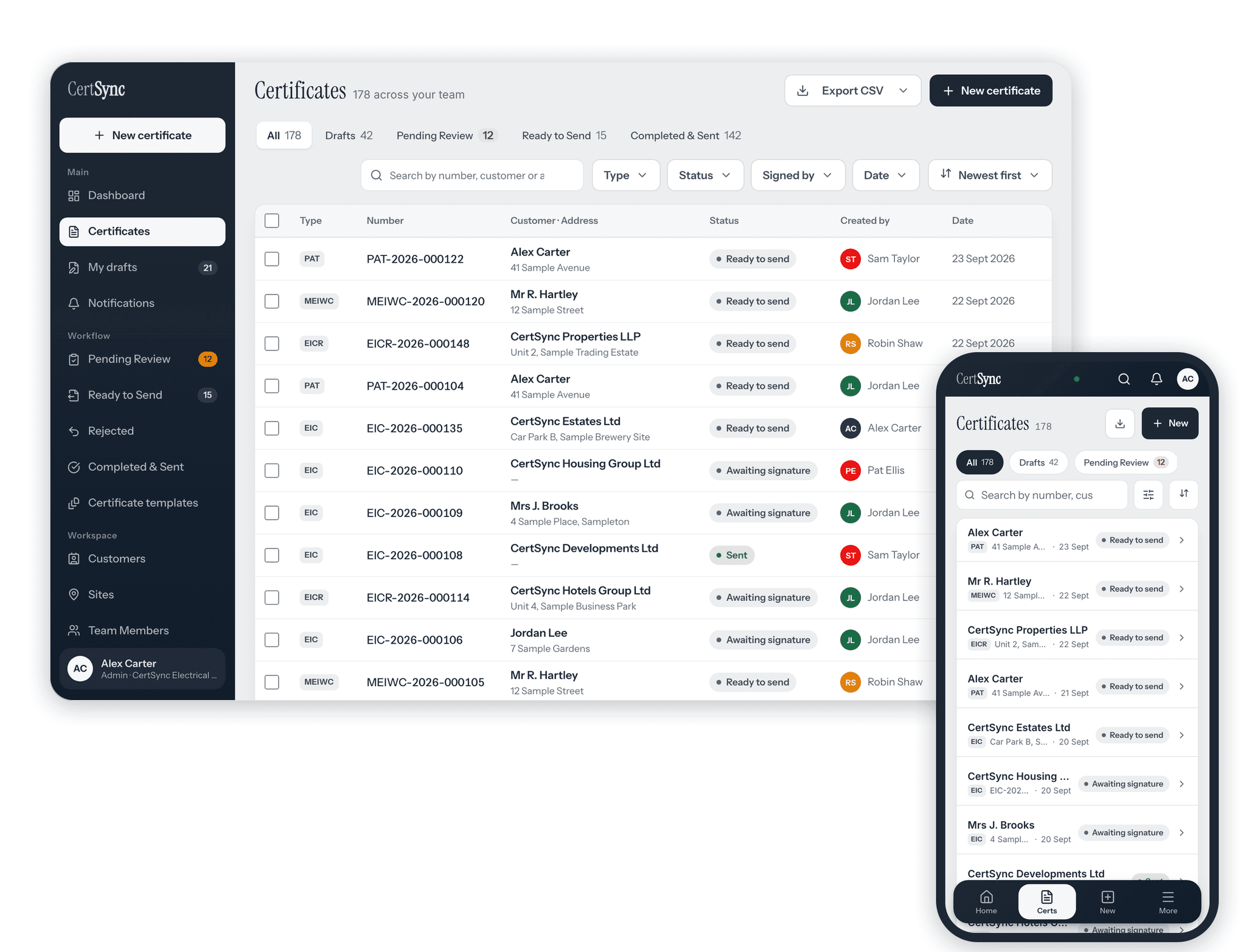
Open Completed & Sent and find the signed EIC or EICR for the installation you are going back to.
Choose Create EICR from this, or Create EIC from this
Open the certificate’s actions. A signed EIC offers Create EICR from this; a signed EICR offers Create EIC from this. CertSync creates the new draft and opens it. Choose it again while that draft is still open and you are taken back to the same draft, not a second copy.
Test, complete and sign
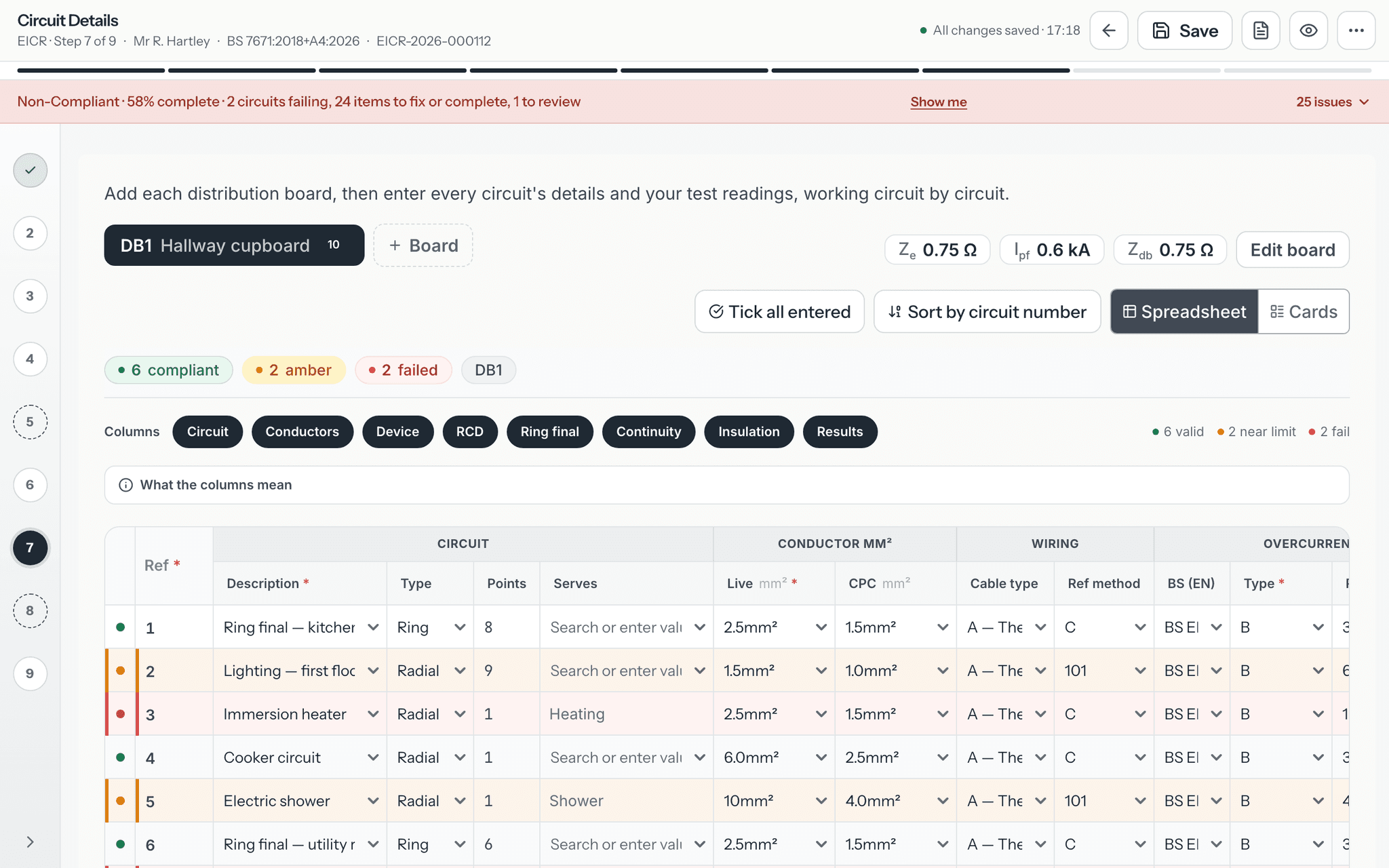
The boards and circuits are already in the schedule. Carry out the tests this job needs, replace the copied readings with what you measure, complete the sections that start blank, and sign.
Good to know
The details
- Going from an EICR to an EIC, the observations, condition codes, overall assessment and next-inspection date are never carried into the EIC.
- The EICR’s own sections, such as the reason for the report, extent and limitations, the inspection schedule and observations, start empty.
- The office role cannot convert, because it cannot create certificate content.
- With no signal you can still convert a signed certificate saved on your device. The new draft is built on the device and created in your account when you are back online.
- Create EICR from this appears on signed EIC rows, and Create EIC from this on signed EICR rows, in the Completed list.
Questions
Frequently asked questions
- Does converting change the original certificate?
- No. Converting only reads the signed certificate and creates a new draft of the other type. The original stays exactly as it was issued.
- Which test results are copied?
- Every board and circuit carries across with the readings recorded against it. A test the original never recorded stays blank. The readings came from the earlier visit, so carry out the tests this job needs and record what you measure before you sign.
- What is left out of the new draft?
- Signatures, declarations and photos are never copied. Going from an EICR to an EIC, the observations, condition codes, overall assessment and next-inspection date stay behind. Going from an EIC to an EICR, the EICR’s own report sections start empty.
- Can I convert a draft, or a certificate waiting for review?
- No. Only a signed certificate can be converted. If a certificate has been replaced by a corrected one, convert the current version instead.
- Can I convert other certificate types?
- No. Conversion is between the EIC and the EICR only, in either direction.
- What happens if I choose Create EICR from this twice?
- While the new draft is still open, choosing Create EICR from this (or Create EIC from this) again takes you back to that draft rather than making a second one.
Keep reading
Related features, certificates and guides
Get started with CertSync
All 13 certificate types, one subscription. The first month is free.
First month free, then From £15/month. No fixed-term contract. Cancel any time.