Stop retyping
Save the parts you write on every job, and reuse them on the next one
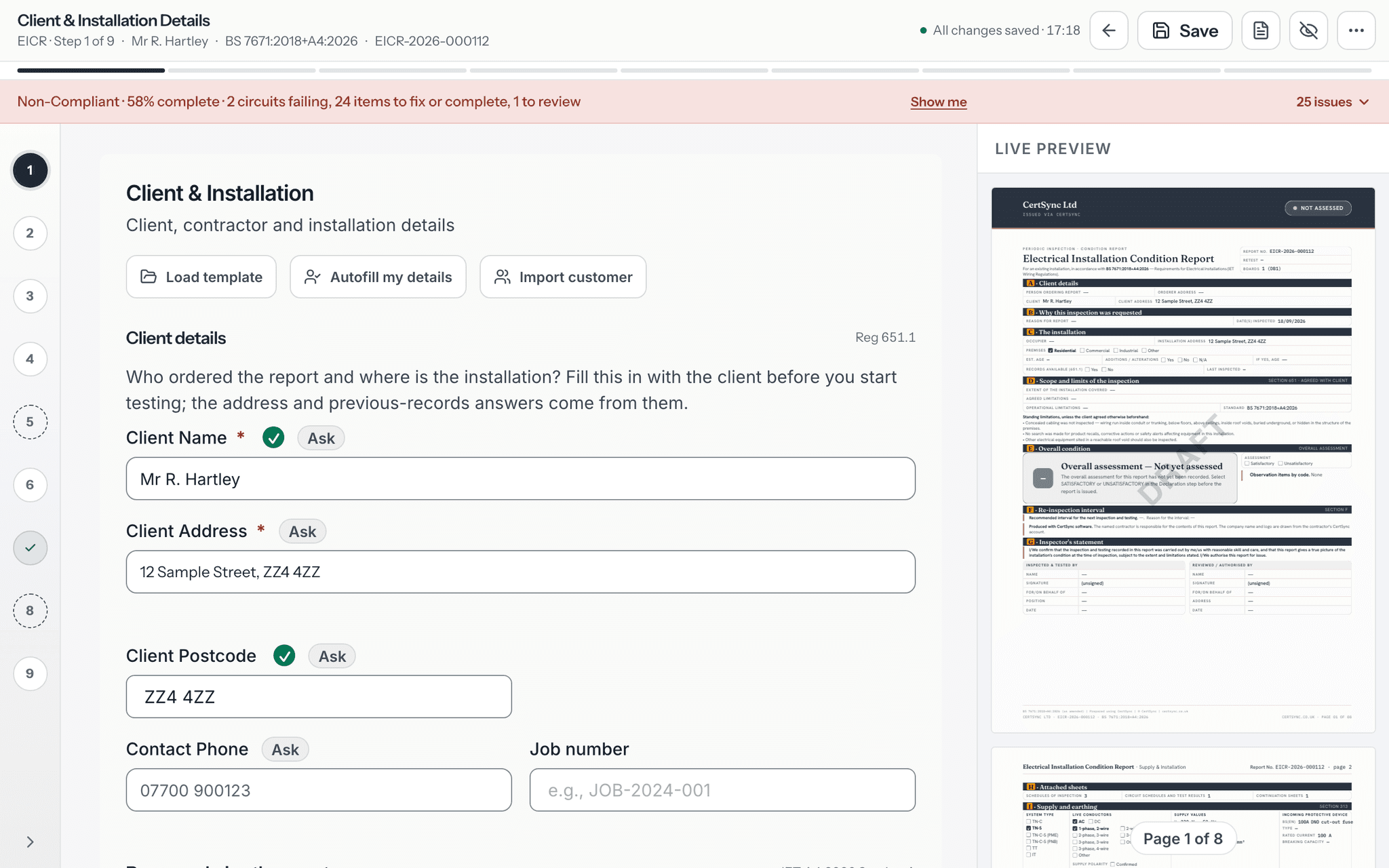
Save a certificate as a template and start the next one from it on any of the 13 certificate types. Save the circuits you fit again and again, keep your team’s observation wording in one library, and duplicate an existing certificate when the next job is much the same. Readings and signatures never carry across, so every new certificate is still tested and signed for that job.
What it does
Exactly what you get
- Save any certificate as a template, then use Load template at the start of a new certificate, on all 13 certificate types.
- A template keeps the reusable details and drops every reading, signature, date, certificate number and contact detail.
- If a template would replace something you have already typed, CertSync asks whether to keep your entry or overwrite it.
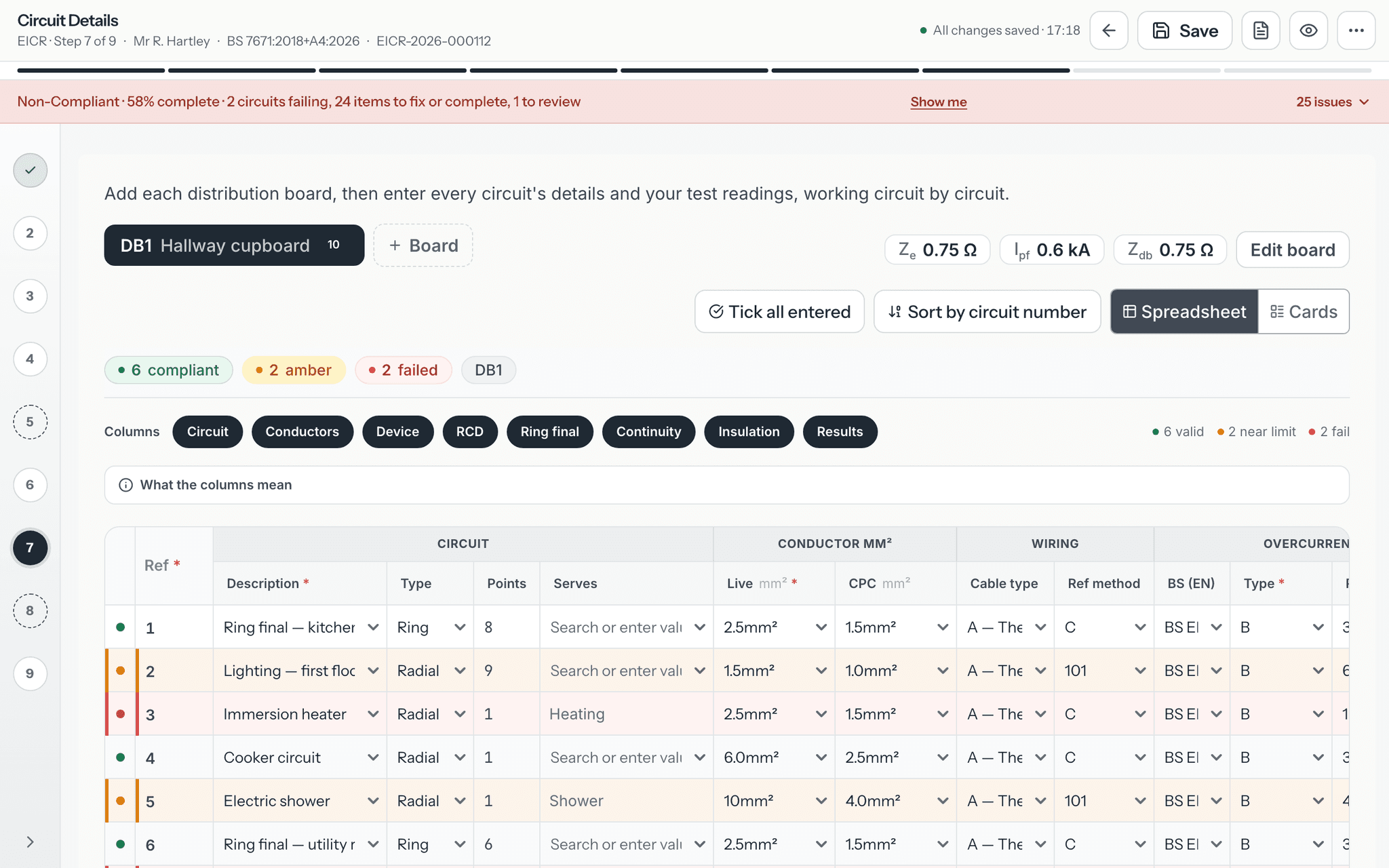
- On EIC, EICR and MEIWC circuit schedules, save a circuit as a template and add it to a later certificate as a new row.
- The observation library holds your team’s own observations, and your team’s code and wording for CertSync’s built-in ones, ready to pick in the EICR observations step.
- Duplicate an existing certificate to start a new draft of the same type with its reusable details filled in.
- A duplicate never copies test readings or signatures, and the original certificate is never changed.
How it works
Three steps
Save a template once
Fill in a certificate the way you usually do and save it as a template. Manage your templates on the Templates page, and your circuit templates and observation library in Settings.
Start the next certificate from it
Open a new certificate and press Load template. The saved details fill in, and you carry on with the readings and checks for this job.
Or duplicate a past certificate
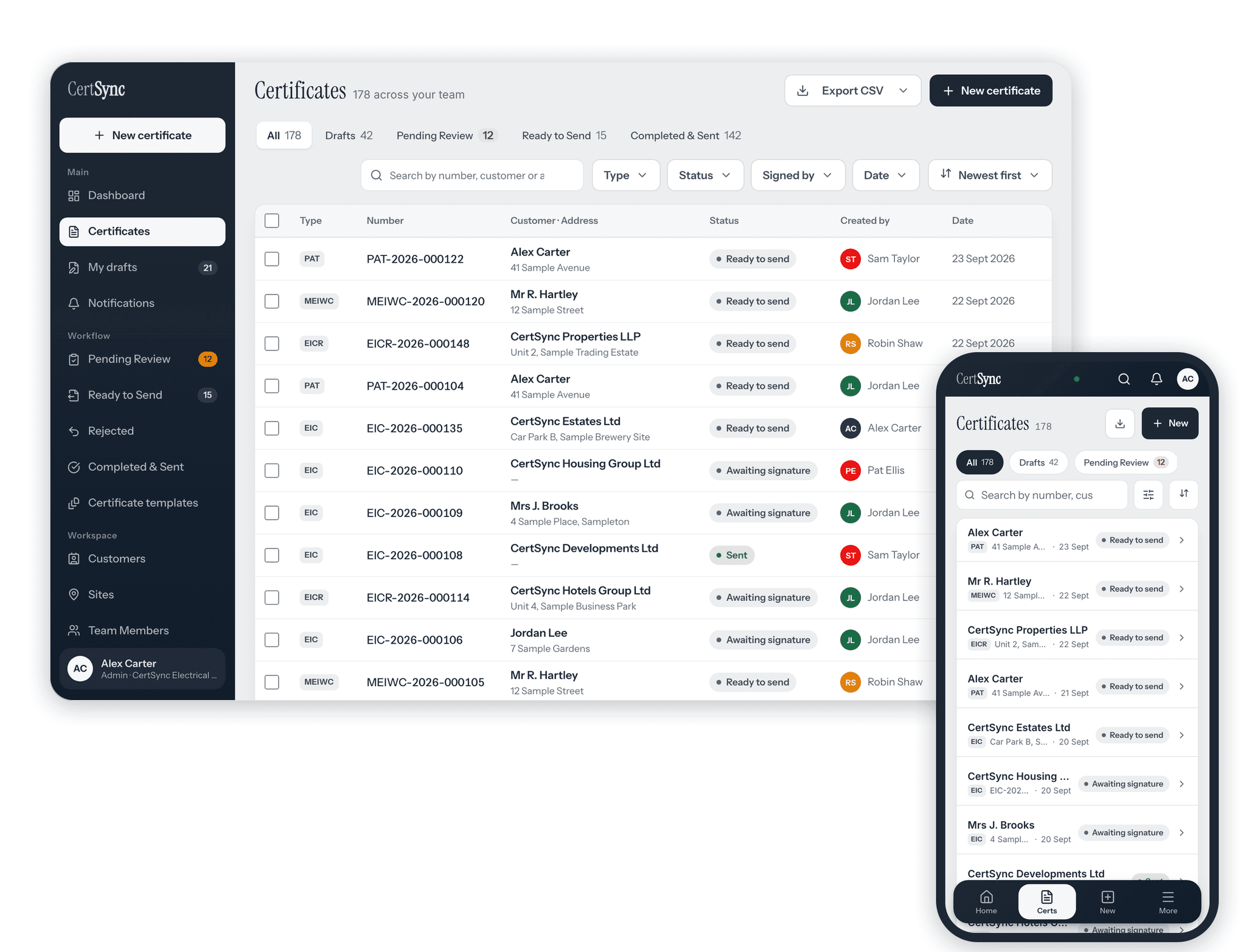
Pick a certificate in your list and choose Duplicate. A new draft opens with the reusable details in place and no readings or signatures.
Good to know
The details
- Templates and duplicates start as drafts. You still test, check and sign every new certificate yourself.
- Signed certificates stay locked. Duplicating one creates a separate draft and leaves the signed certificate as it was.
- Supervisors and Admins can change the team’s observation library; everyone else picks from it.
Questions
Frequently asked questions
- Will a template copy my test results onto the next job?
- No. Saving a template removes every reading, signature, date, certificate number and contact detail, so each new certificate is tested and signed for its own job.
- Can I reuse the circuits I fit all the time?
- Yes. On an EIC, EICR or MEIWC circuit schedule, save a circuit as a template, then add it to a later certificate as a new row. Manage your circuit templates in Settings.
- Can my team share observation wording?
- Yes. The observation library in Settings holds your team’s own observations and your team’s wording for the built-in ones, and they are offered in the EICR observations step.
- What does Duplicate copy?
- The reusable details of the certificate, such as the client and installation, into a new draft of the same type. Test readings and signatures are never copied, and the original is not changed.
Keep reading
Related features, certificates and guides
Get started with CertSync
All 13 certificate types, one subscription. The first month is free.
First month free, then From £15/month. No fixed-term contract. Cancel any time.