Reports
See how your business is really doing
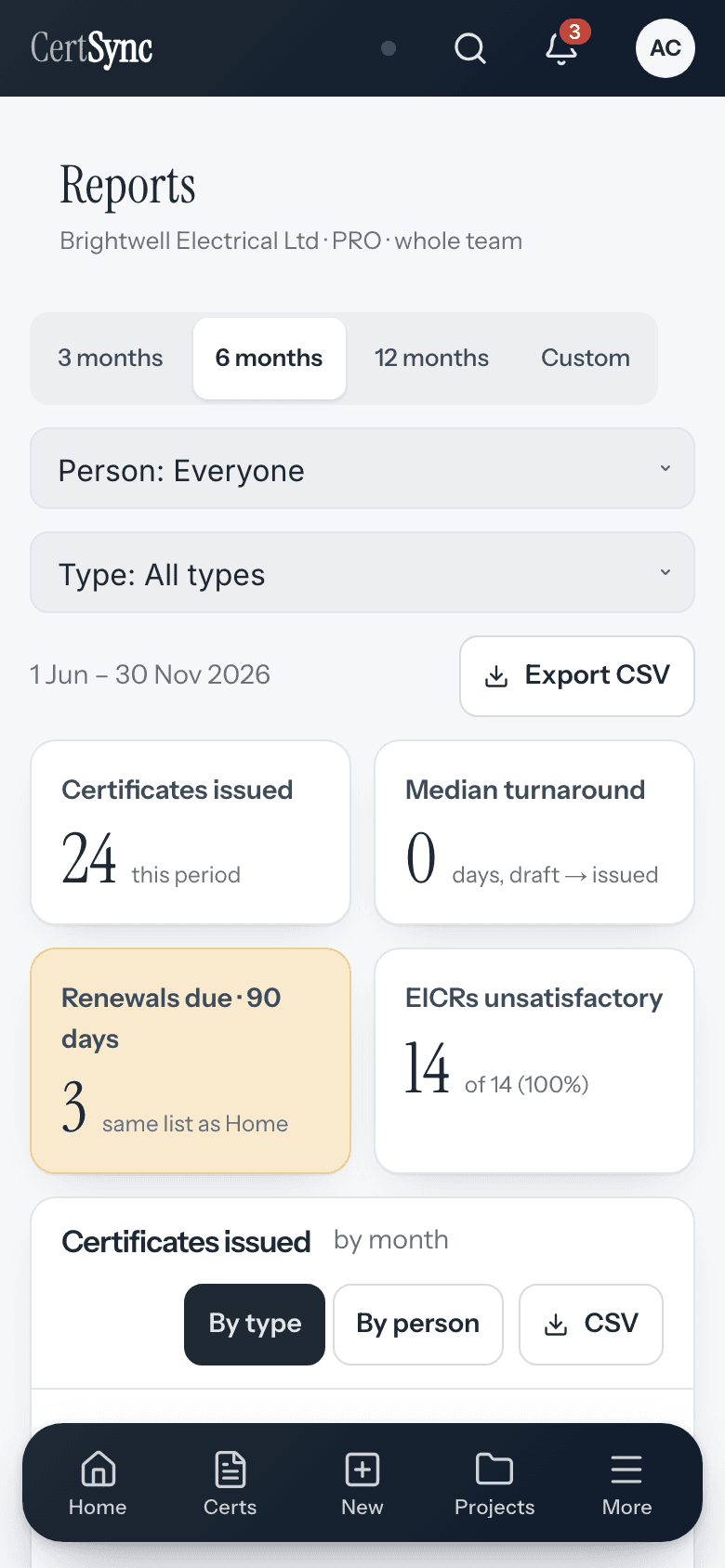
Every certificate you issue already holds the answers. Reports turns them into clear charts for admins and office staff: certificates issued each month, turnaround from draft to issued, renewals due in the next six months and the outcome of your EICRs, with no extra typing.

What it does
Exactly what you get
- Certificates issued each month, by type or by person, counted when a certificate is signed.
- Turnaround from starting a draft to issuing it, so slow jobs stand out.
- Renewals and re-inspections due in the next six months, from each certificate’s next inspection date.
- Outcome mix: satisfactory and unsatisfactory EICRs, and your C1, C2, C3 and FI counts.
- The last 3, 6 or 12 months, or your own dates up to two years.
- PRO teams also get customer portfolio, team workload for the next four weeks, review and rejection rates, and property trends.
How it works
Three steps
Open Reports
Admins and office staff open Reports from the menu. Everything is worked out from the certificates your team has issued.
Pick a period
Choose the last 3, 6 or 12 months, or your own dates. Group certificates issued by type or by person.
Export a CSV
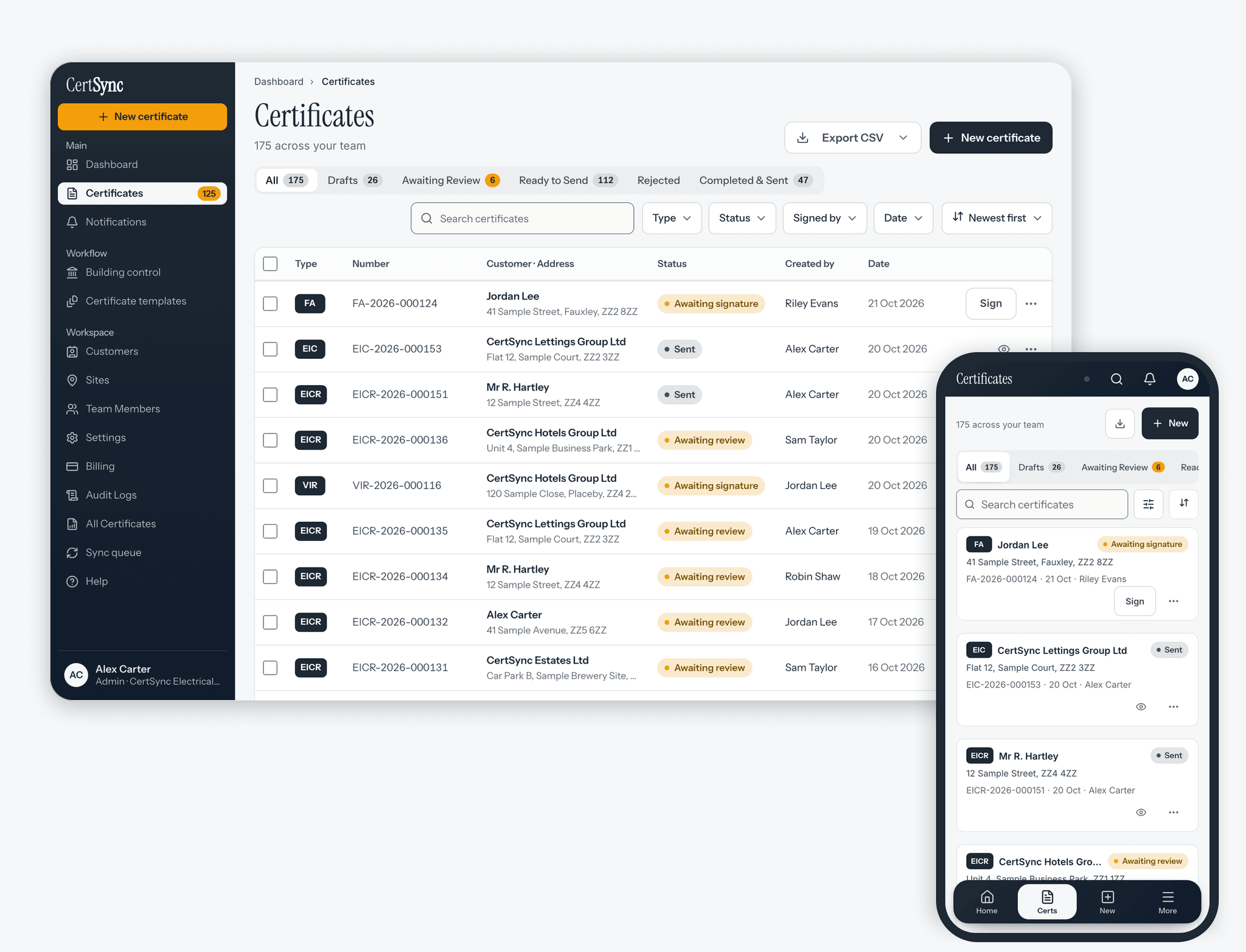
Every report has a CSV button, using the filters you picked and UK dates, ready for any spreadsheet.


Good to know
The details
- Reports is for admins and office staff, and shows the whole team. Nobody outside your company sees your figures.
- CSV files use UK dates, leave out customers’ contact details and are safe to open in a spreadsheet.
- Each CSV export is recorded in your account’s audit log.
- With no signal, the last reports you opened stay on your device. Filters and exports need a connection.
Questions
Frequently asked questions
- Do I have to type anything in for Reports?
- No. Reports is worked out from the certificates your team already issues: when each was started and signed, its type, who issued it and its next inspection date.
- Who can see Reports?
- Admins and office staff, for the whole team. Installers and supervisors do not see the page.
- Can I get the figures into a spreadsheet?
- Yes. Every report has a CSV button. The file follows the filters you picked, uses UK dates and leaves out customers’ contact details.
- Which reports need PRO?
- Customer portfolio, team workload, review and rejection rates, and property trends. Certificates issued, turnaround, renewals due and the EICR outcome mix are included for every team.
Keep reading
Related features, certificates and guides
Get started with CertSync
All 13 certificate types, one subscription. The first month is free.
First month free, then from £15/month. No fixed-term contract. Cancel any time.