Site logbooks
Emergency lighting and fire alarm logbooks, kept with the site
A site with an emergency lighting or fire alarm certificate gets a Logbook tab. Your team logs the routine tests between certificates against the luminaires and call points already on the certificate, sees what is due next, and fits a QR sticker that opens the live logbook. It is a record kept alongside your certificates, not a certificate itself.

What it does
Exactly what you get
- Four tests: the emergency lighting monthly functional and annual duration tests, and the fire alarm weekly call point test and service visit.
- Each entry records the date, who tested, the result for each luminaire or the call point used, and any faults and the action taken.
- The person who logged an entry can edit it for 24 hours. Then it locks, and a correction is a new entry linked to the original.
- Each system shows when every test is next due and which are overdue, worked out on UK calendar dates.
- The day before a test is due, and again when it becomes overdue, your team is told in CertSync and, if they have expiry reminders on, by email. Your customer is never sent it.
- One QR sticker per system opens the live logbook, so new entries appear with no reprint. Revoke it and the old sticker stops working at once.
- Download the logbook as a PDF for the responsible person or an auditor.
How it works
Three steps
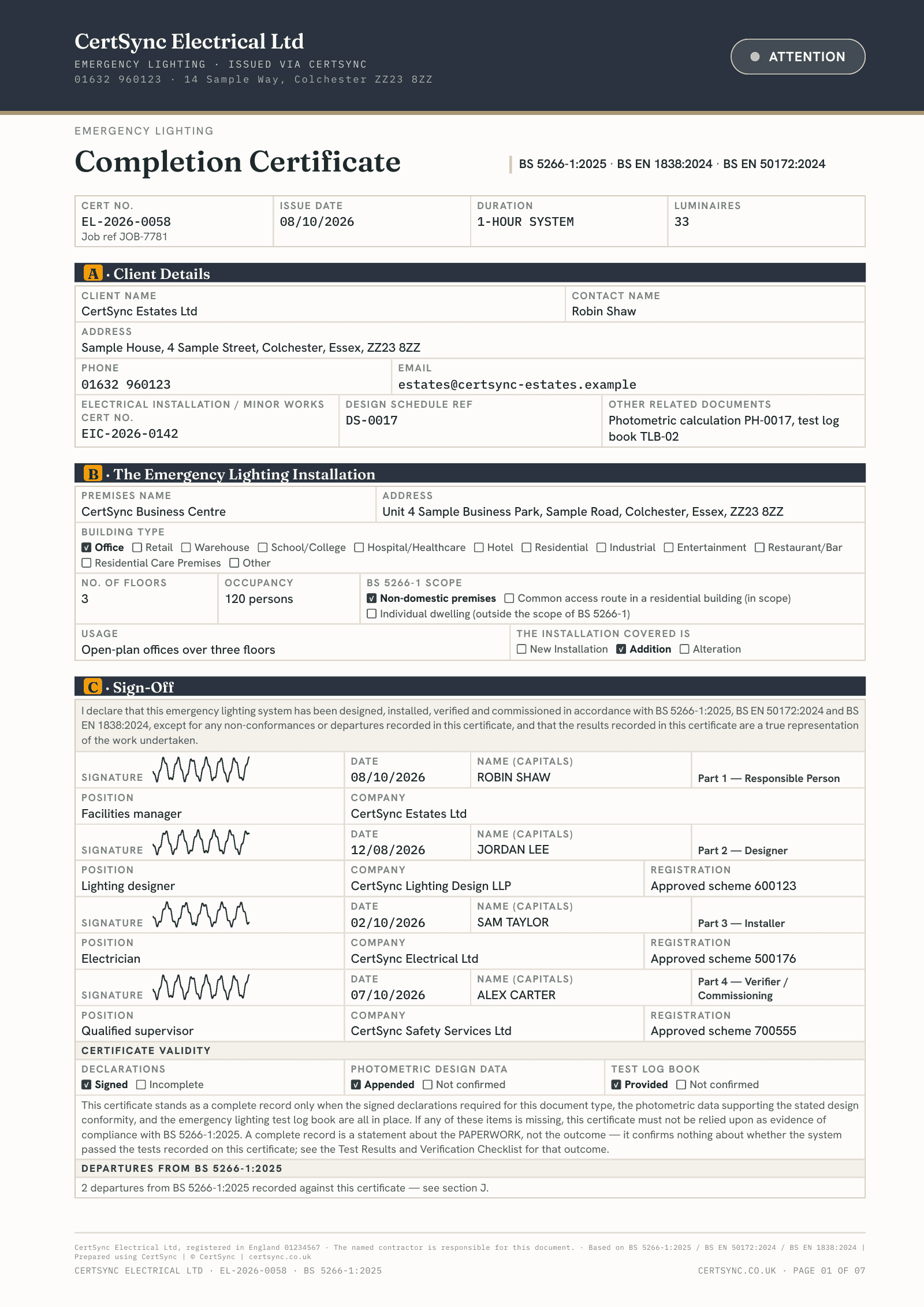
Issue the certificate as usual
The logbook appears on the site’s page once the site has an emergency lighting or fire alarm certificate. Its luminaires, call points and detectors are listed from that certificate.
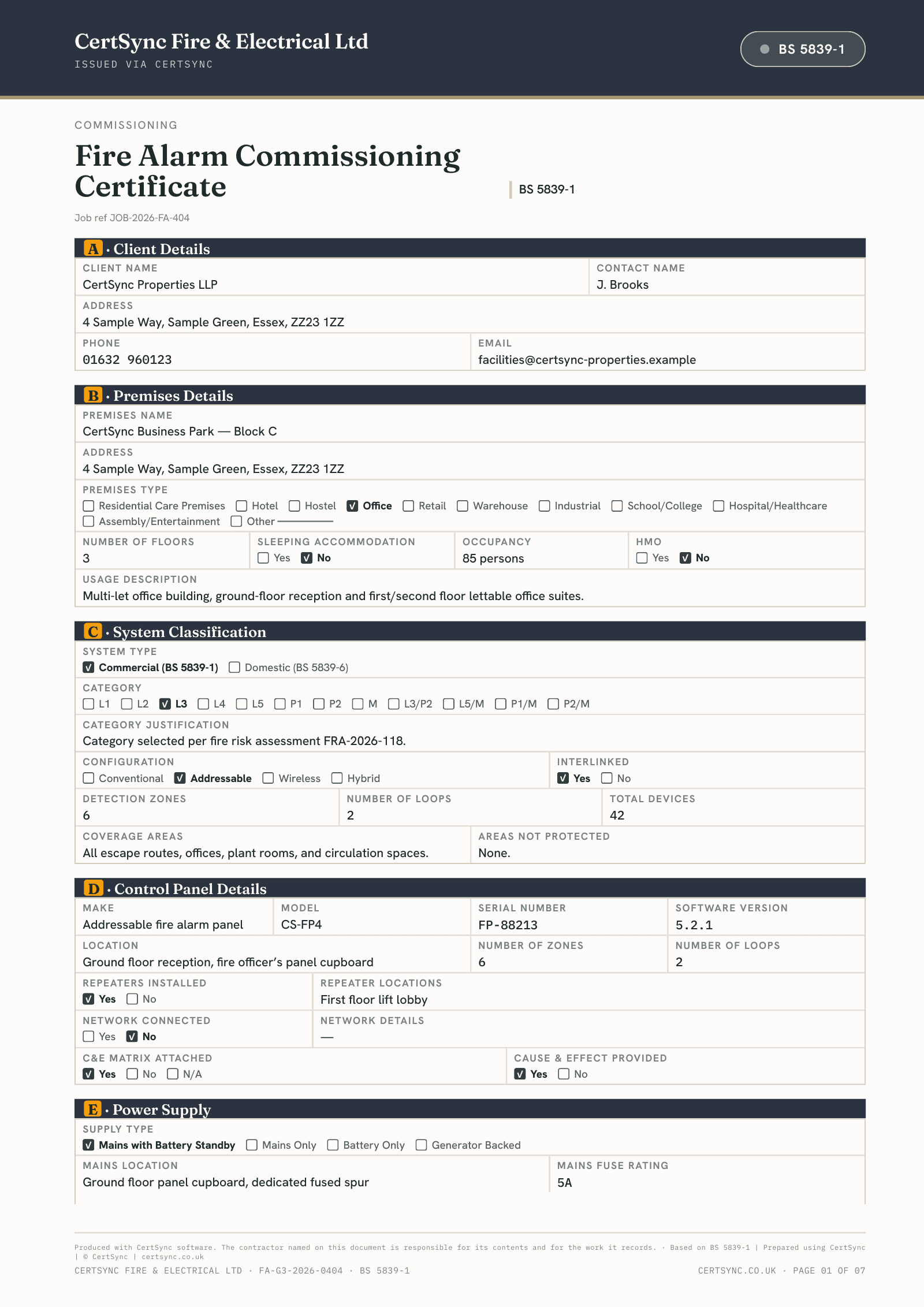
Log each test
Press Log a test, pick the test, and mark each luminaire or the call point you used. Note any fault and what was done about it.
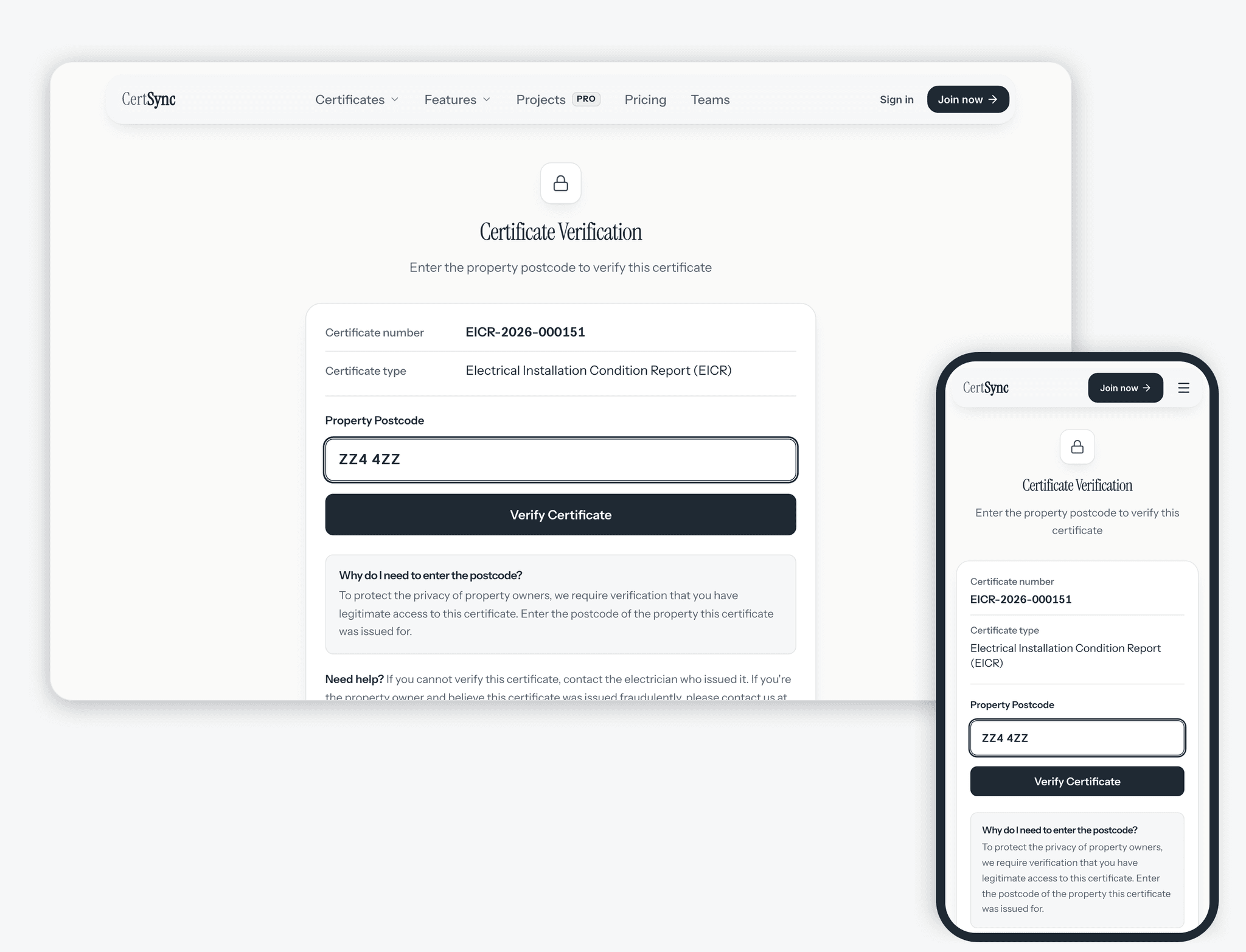
Fit the QR sticker
Download the sticker for the fire alarm panel or the emergency lighting test point. Scanning it asks for the site’s postcode, then shows the latest tests, what is due and any open faults.

Good to know
The details
- Tests are logged by your team only. The page behind the QR sticker is read-only.
- The public page shows your company’s name, never a person’s, and leaves out written notes about faults.
- With no signal, a test you log is saved on your device and shown as waiting to sync until you are back online.
- The logbook works on a phone and in the CertSync app for iPhone, iPad and Android, with no signal for a logbook you have opened before.
- Office staff can see the logbook and download its PDF; logging tests is for the engineers.
- When you start the next emergency lighting or fire alarm inspection from the last report, faults logged since then are offered as suggested remarks. Nothing is added unless you add it.
Questions
Frequently asked questions
- Is the logbook a certificate?
- No. It is a record of the routine tests carried out between certificates, kept on the site’s page next to them. The emergency lighting and fire alarm certificates themselves are issued as usual.
- Which tests can I log?
- For emergency lighting, the monthly functional test and the annual duration test. For a fire alarm, the weekly call point test, with the call point you used, and the service visit.
- Can I change an entry after saving it?
- The person who logged it can edit it for 24 hours. After that it is locked. To put something right, add a correction: it is a new entry linked to the original, and both stay in the logbook.
- Can the building’s responsible person log tests through the QR code?
- No. Tests are logged by your team in CertSync. Scanning the sticker and entering the site’s postcode shows the latest tests, what is due and any open faults, and lets the reader download the logbook as a PDF, but it cannot add or change anything.
- Who is told when a test is overdue?
- Your team: the admins and supervisors, and the engineer who logged the last test, in CertSync and by email if they have expiry reminders on. Your customer is not contacted.
- What if a sticker goes missing?
- Revoke and reissue it. The old sticker stops working at once and you download a new one for the panel.
Keep reading
Related features, certificates and guides
Get started with CertSync
All 13 certificate types, one subscription. The first month is free.
First month free, then from £15/month. No fixed-term contract. Cancel any time.