Property history
Every certificate for a property, in one timeline
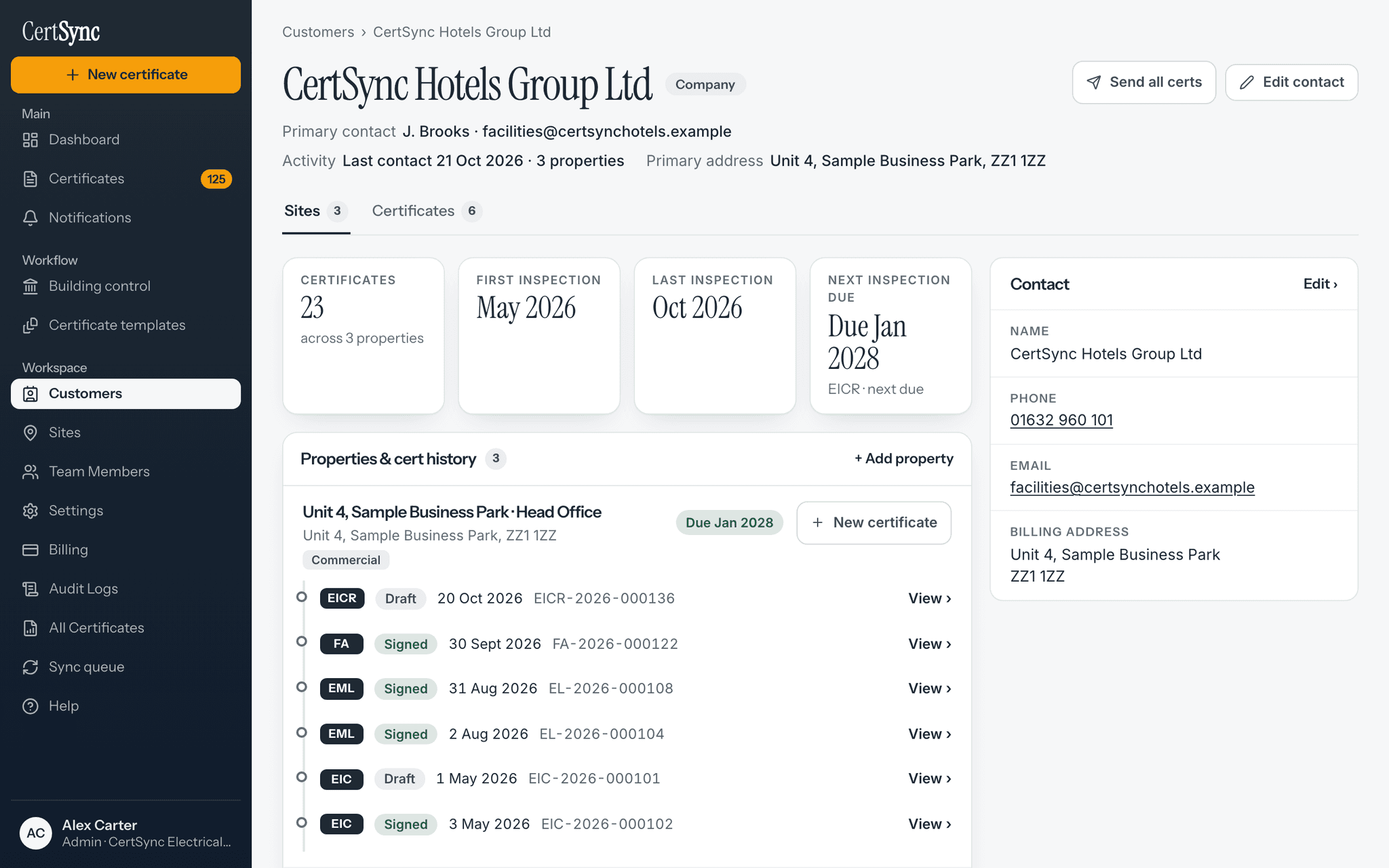
Open a property and see its whole history in CertSync: EICRs, new work, minor works and alarm certificates, newest first, with a status worked out from what is signed. A minor works can record which item on the latest EICR it put right, without changing the signed report.

What it does
Exactly what you get
- Every certificate for the property, newest first, with corrected certificates shown next to the ones they replace.
- A status at a glance: Up to date, Action needed, Overdue or Not enough history, with the certificate behind each line.
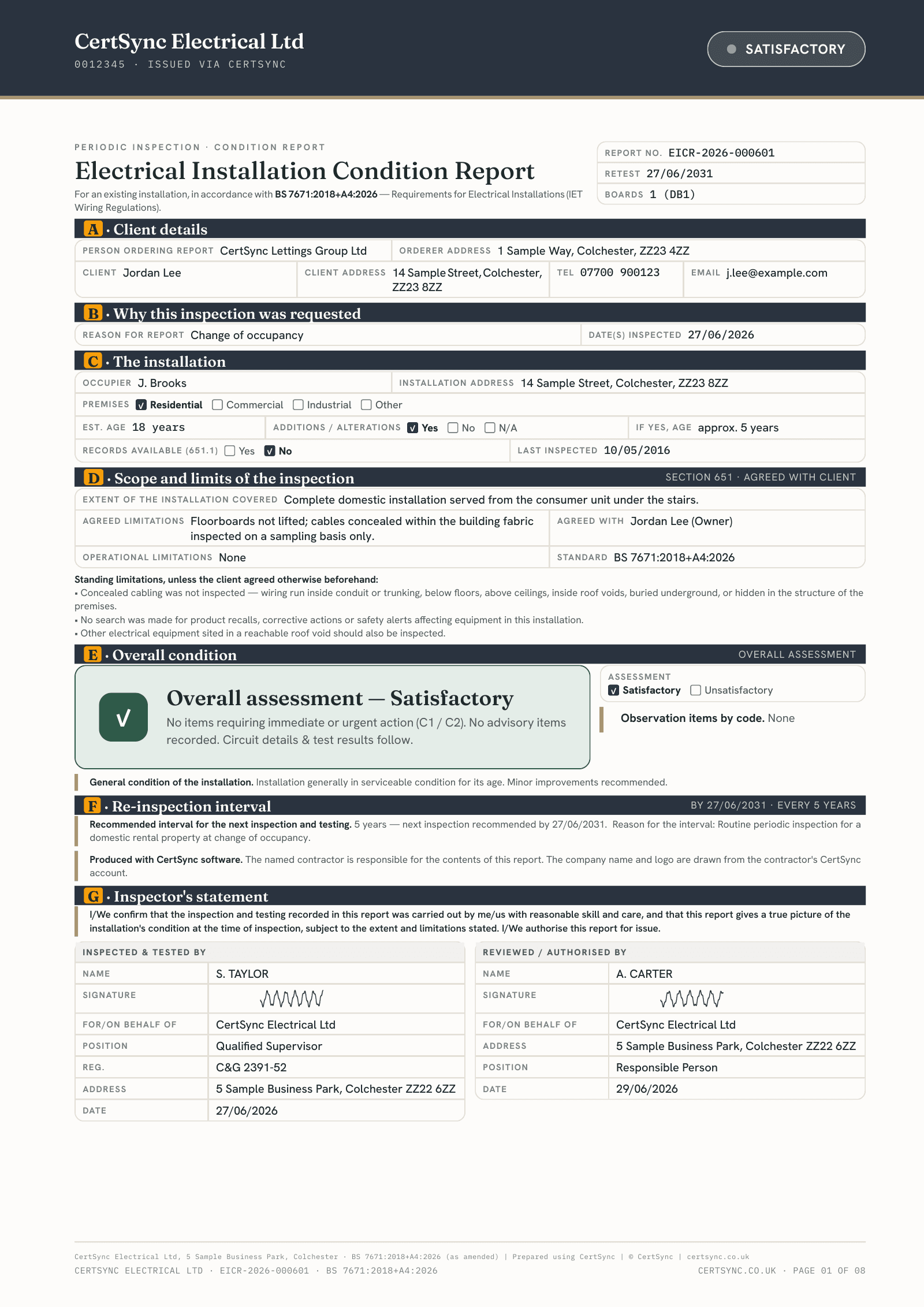
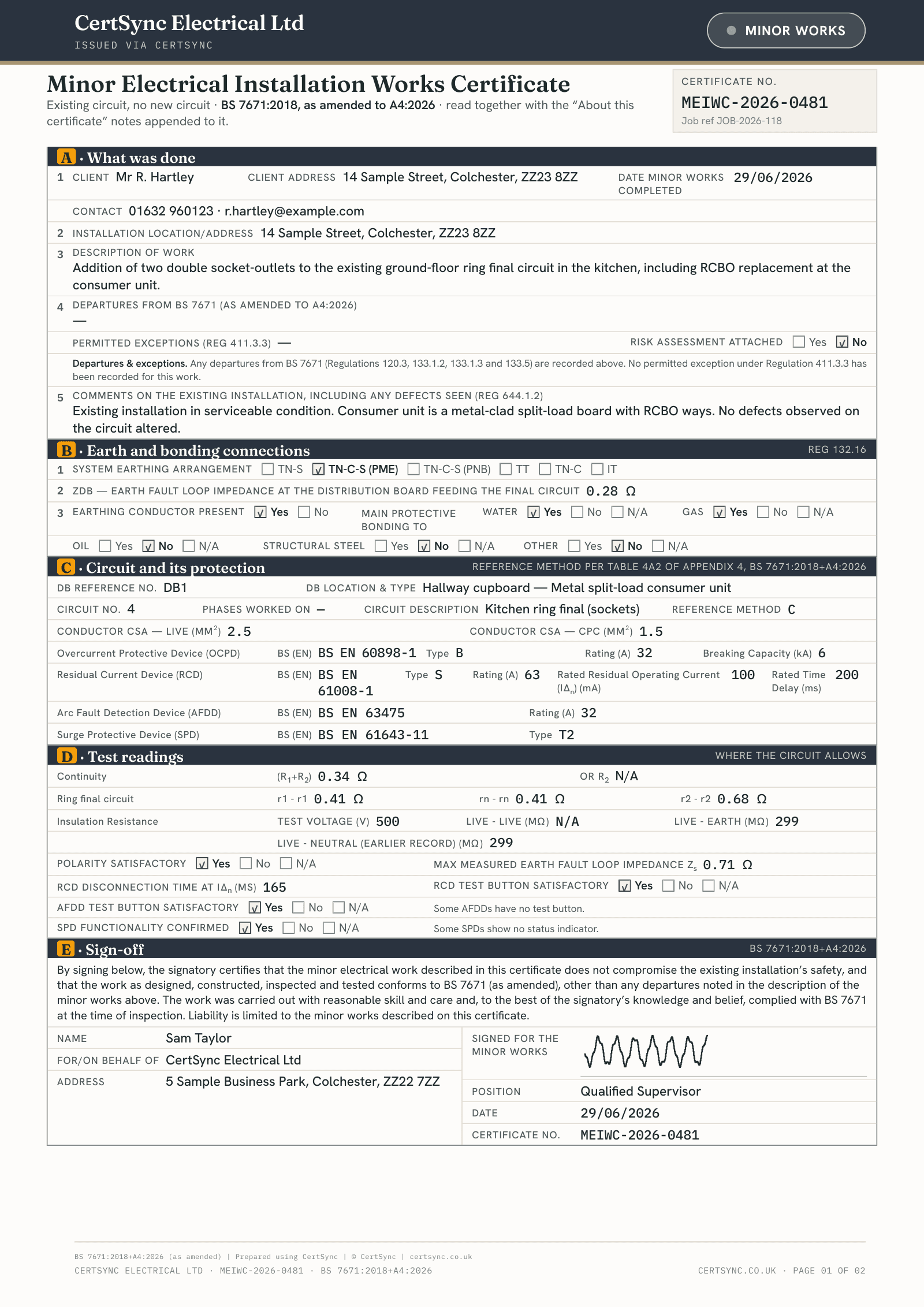
- A minor works can record remedial work against a C1, C2 or C3 on the property’s latest EICR. The signed EICR never changes.
- Older certificates are placed by their address, and tagged “Matched by address”.
How it works
Three steps
Open the property
Open a site from Sites or from its customer. Every certificate for it is listed, newest first.
Read the status
The status card says whether the property is up to date, needs action or is overdue, and which certificate says so.
Record the remedial work
Before you sign a minor works, tick the items on the latest EICR it puts right. Once signed, the EICR shows that remedial work was recorded, with a link.

Good to know
The details
- Recorded remedial work is your own record. It does not replace a re-inspection.
- The status is a summary on the page. It is not a certificate and is never printed on one.
- Properties you have opened before are kept on your device for when there is no signal.
- You see the certificates you can already see in your certificate list. Office staff can view a property’s history.
Questions
Frequently asked questions
- What does “Action needed” mean?
- A C1 or C2 from the property’s latest EICR is still open, or a next inspection is coming up soon. The status card names the certificate behind it.
- Does recording remedial work change the signed EICR?
- No. The EICR keeps the codes it was signed with. The minor works records the work, and the EICR shows a link to it. It is your own record and does not replace a re-inspection.
- Why are some certificates marked “Matched by address”?
- Older certificates made before a site was chosen on each one are placed by their address. If one is in the wrong place, check the address on that certificate.
- Can I see a property’s history with no signal?
- Yes, for properties you have opened before on that device. It shows when the copy was saved. A property never opened on the device shows nothing rather than an old history.
Keep reading
Related features, certificates and guides
Get started with CertSync
All 13 certificate types, one subscription. The first month is free.
First month free, then from £15/month. No fixed-term contract. Cancel any time.