Repeat inspection
Start the next inspection from the last signed report
On a signed periodic report, press Start next inspection. CertSync starts a new draft of the same type for the same site with the client, the site and the equipment register already in it: boards and circuits, luminaires, detectors or appliances. Every reading, observation, code and signature starts blank, so you inspect and test as normal without retyping the installation.

What it does
Exactly what you get
- Works on the EICR, visual inspection report, emergency lighting, fire alarm, PAT, solar PV, battery storage, lightning protection and BS 7909 temporary systems certificates.
- Only the items that identify each piece of equipment carry across, named type by type. A new field is left behind until it is added on purpose.
- Every test reading, observations and codes, limitations and the overall assessment, and signatures and declarations start blank.
- Where the certificate has a box for it, the date of the last inspection and the previous report’s reference fill in on the new draft.
- Last time’s readings can show in grey beside the empty fields in the circuit schedule and on PAT readings. They are never saved into the new certificate.
- Only a signed report can start the next inspection. On a draft the button is greyed with the reason.
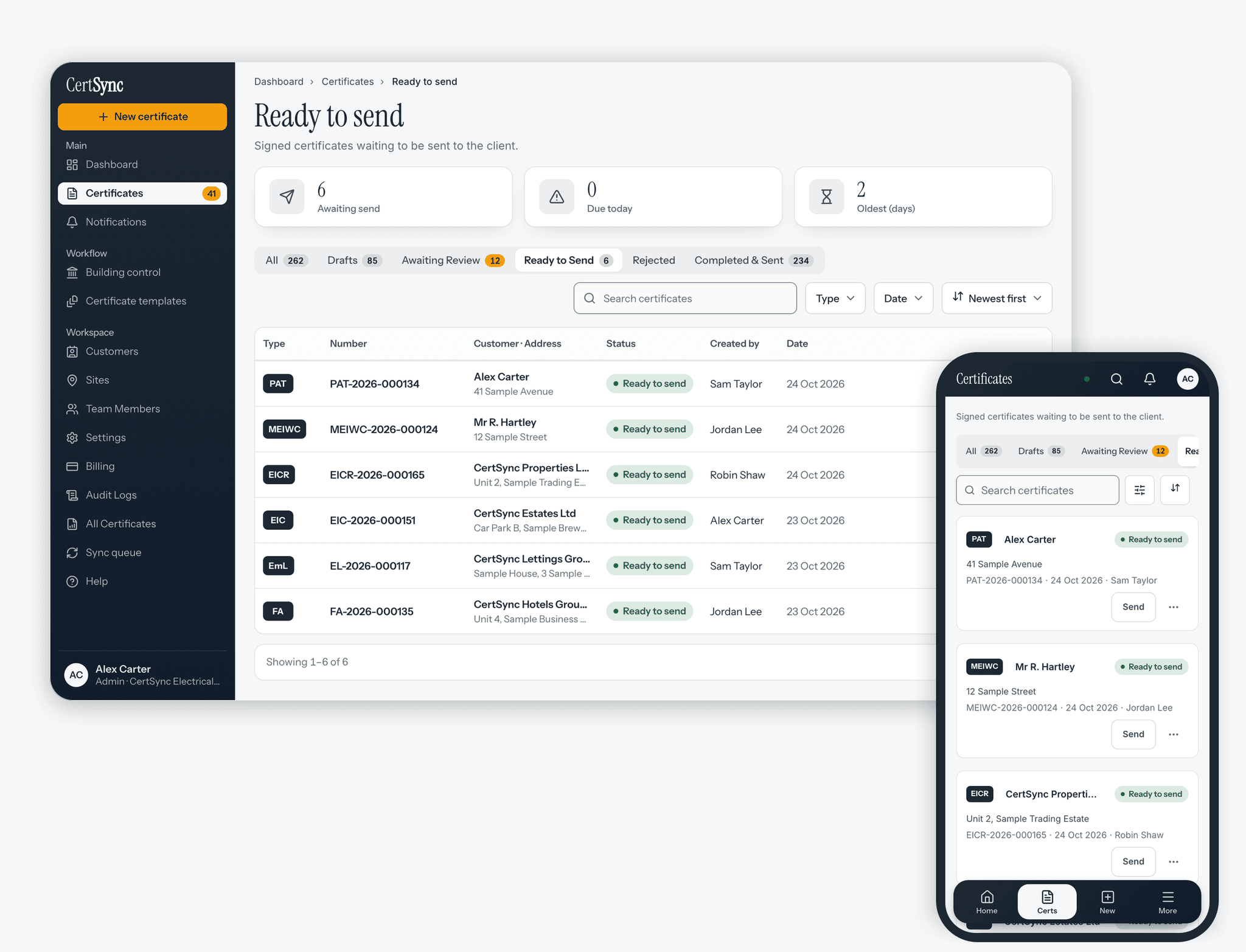
- A site’s page lists the inspections due next, each with a Start next inspection button.
How it works
Three steps
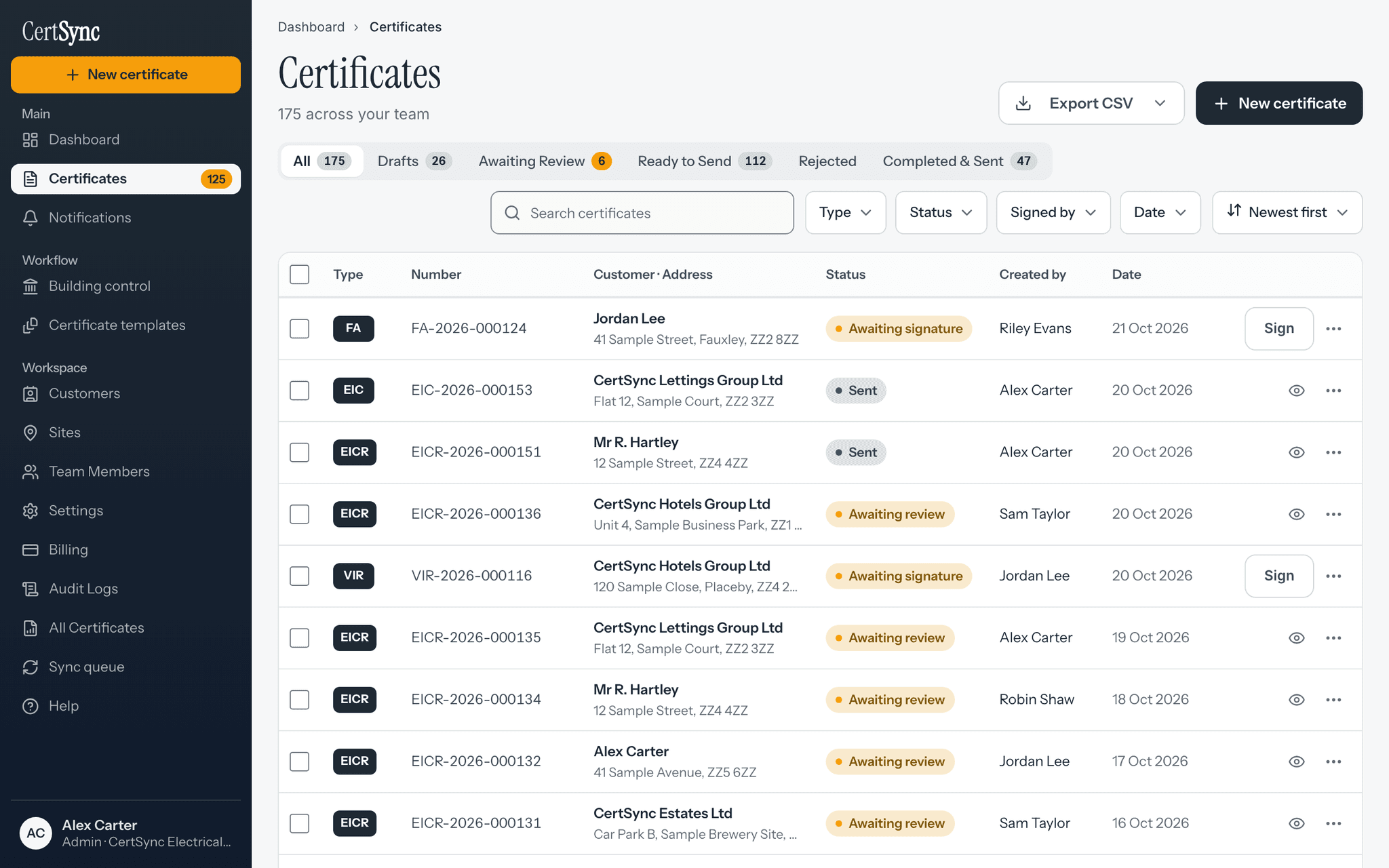
Open the last signed report
Find it in your certificates, or on the site’s page, and press Start next inspection.
Check what carries across
The confirm box lists what is copied (client, site, the equipment with its counts, the previous report) and what starts blank. Leave the tick on to see last time’s readings in grey.
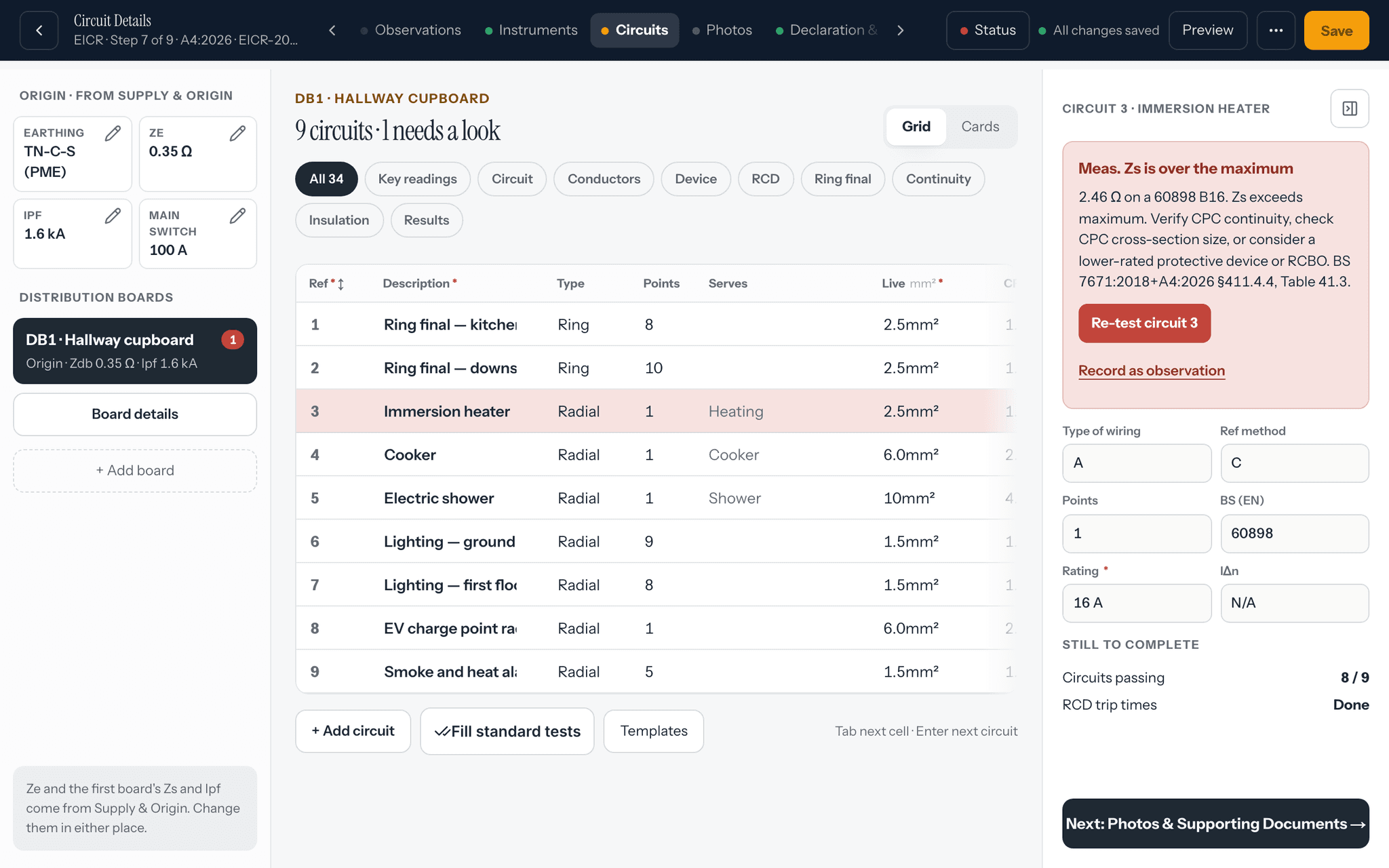
Inspect, test and sign
Record this visit’s readings and observations, then sign it like any certificate you started from scratch. The report you started from never changes.


Good to know
The details
- Office users cannot start an inspection, because they do not create certificates.
- With no signal, a report saved on your device can still start the next inspection. If it is not saved on the device, you can start a blank one instead.
- An EIC, Minor Works certificate, danger notice or EV charge point certificate has no repeat visit, so it does not offer this.
Questions
Frequently asked questions
- Does it copy the old test results?
- No. Every reading starts blank, along with observations, codes, the overall assessment, signatures and declarations. You can choose to see last time’s readings in grey beside the empty fields to compare against, but they are never saved into the new certificate and never print.
- Which certificates can I start the next inspection from?
- A signed EICR, visual inspection report, emergency lighting, fire alarm, PAT, solar PV, battery storage, lightning protection or BS 7909 temporary systems certificate. The new draft is always the same type as the one you started from.
- Can I start it from a draft?
- No. Only a signed report is a record of the last inspection, so the button is greyed on a draft until it is signed.
- Does the original report change?
- No. The signed report stays exactly as it was. The new inspection is a separate draft that you complete and sign yourself.
- Does it work with no signal?
- Yes, for a report saved on your device: the new draft is built on the device and created in your account when you reconnect. If the report is not saved on the device, you can start a blank one and fill the equipment in by hand.
Keep reading
Related features, certificates and guides
Get started with CertSync
All 13 certificate types, one subscription. The first month is free.
First month free, then from £15/month. No fixed-term contract. Cancel any time.