Circuit chart
Print the circuit chart for the board from the certificate
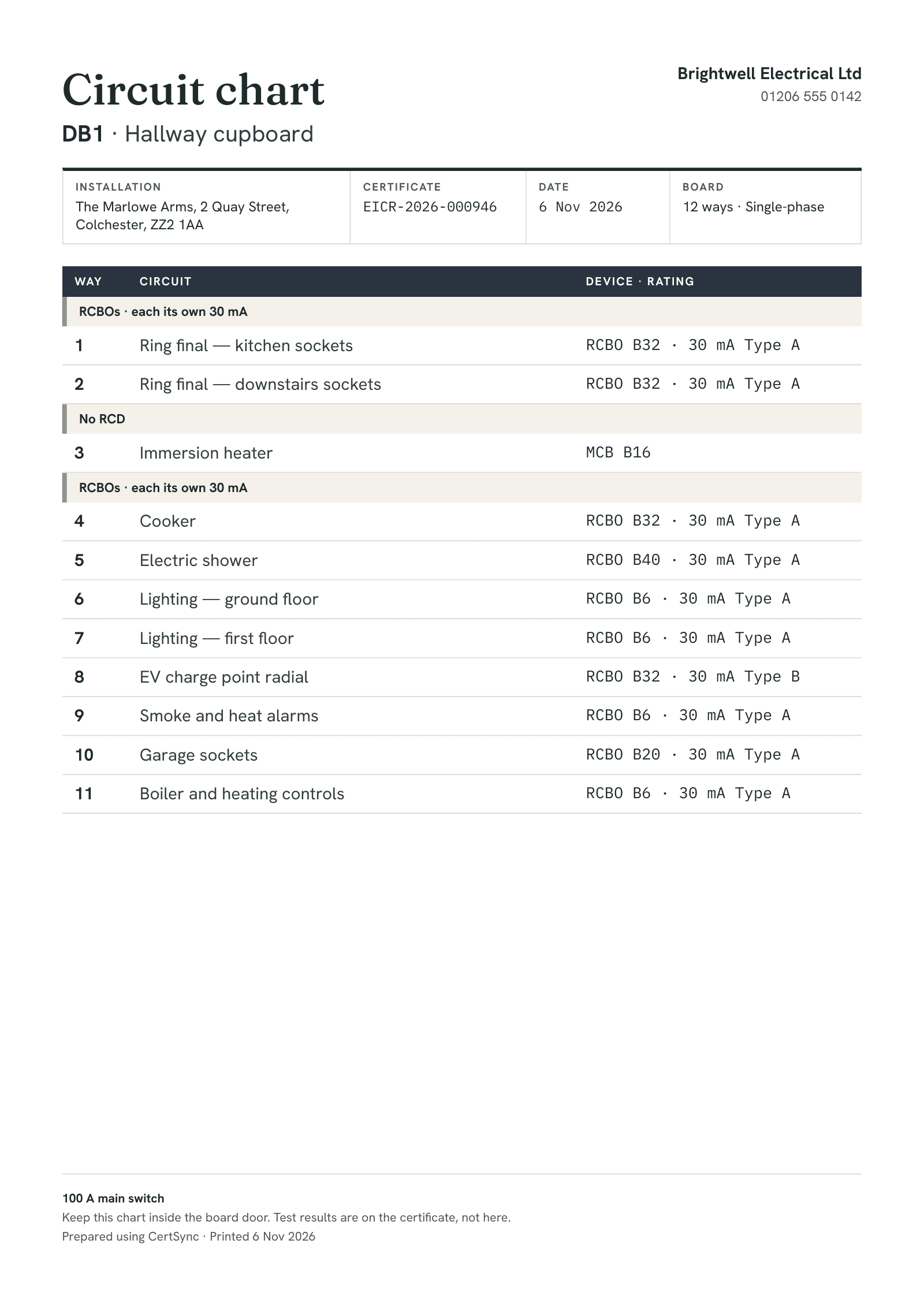
From an EIC, EICR, Minor Works or BS 7909 certificate with boards and circuits, choose Print circuit chart. You get a PDF for the inside of the consumer unit door: board name and location, each way’s number and description, the device type and rating, and the RCD or RCBO grouping. It is built from what you already recorded, so there is nothing to type twice.
What it does
Exactly what you get
- Works from an EIC, EICR, Minor Works or BS 7909 temporary systems certificate.
- Three sizes: A4, A5 and a 62 × 100 mm label.
- Each way shows its number, the circuit description, the device type and rating, and the RCD or RCBO it sits under.
- Each board shows its main switch as you recorded it, such as a 100 A double-pole main switch, and never tells anyone to isolate there.
- A long board carries on over as many pages as it needs.
- On a signed certificate it can carry an optional QR code that opens the certificate’s verify page. It is ticked only when that page is already on; ticking it turns the public verify page on.
- A chart from a certificate that is not signed yet is watermarked Draft and carries no QR code.
How it works
Three steps
Record the boards and circuits as usual
The chart is printed from the circuit schedule on the certificate. Whatever you recorded prints; anything you left blank stays blank.
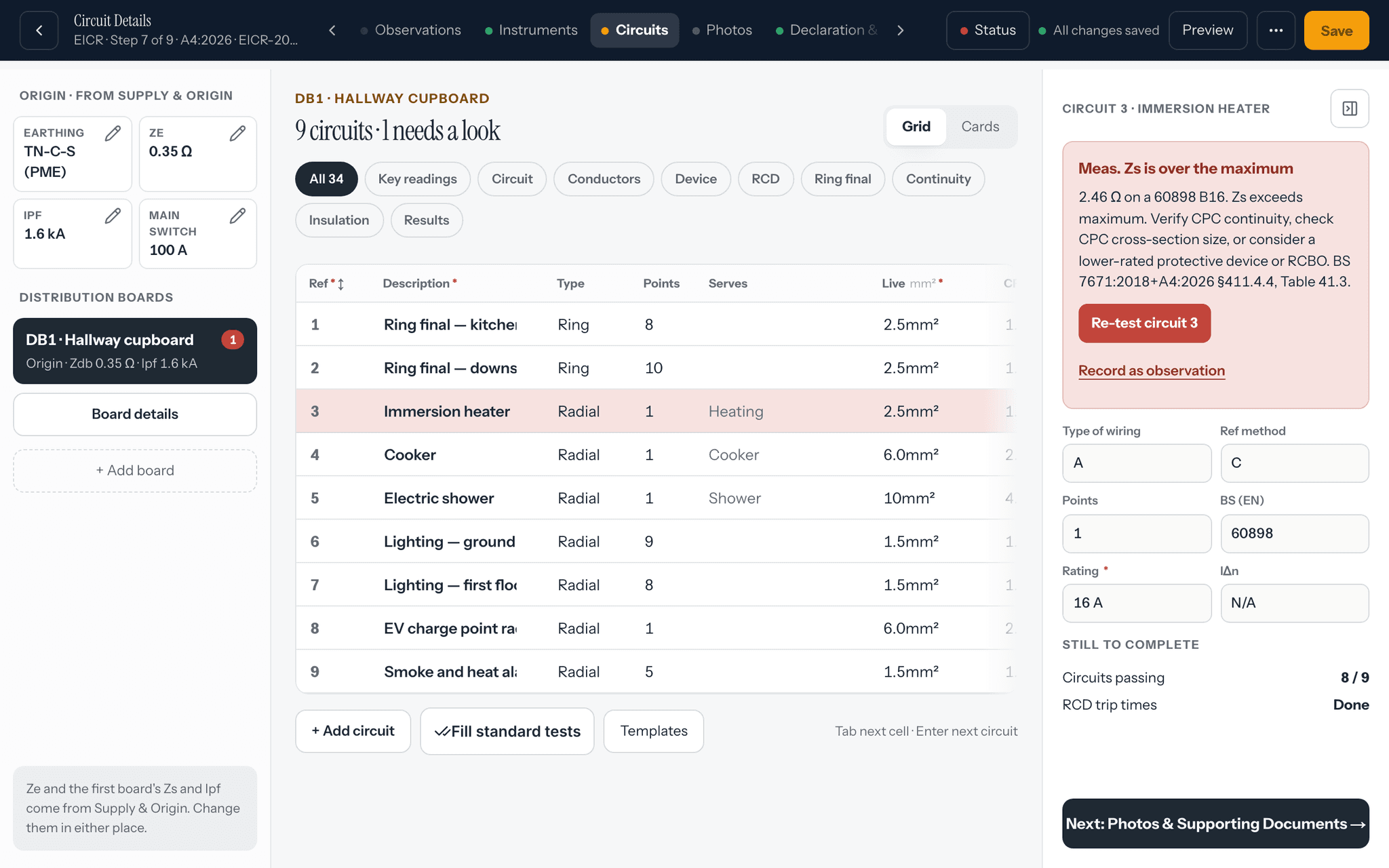
Choose Print circuit chart
Pick the boards you want, a size, and whether to add the QR code. A preview shows what will print.
Download and fit it
Download the PDF, print it and put it inside the consumer unit door for the occupier.


Good to know
The details
- No test results go on the chart. It is a label for the occupier; readings stay on the certificate.
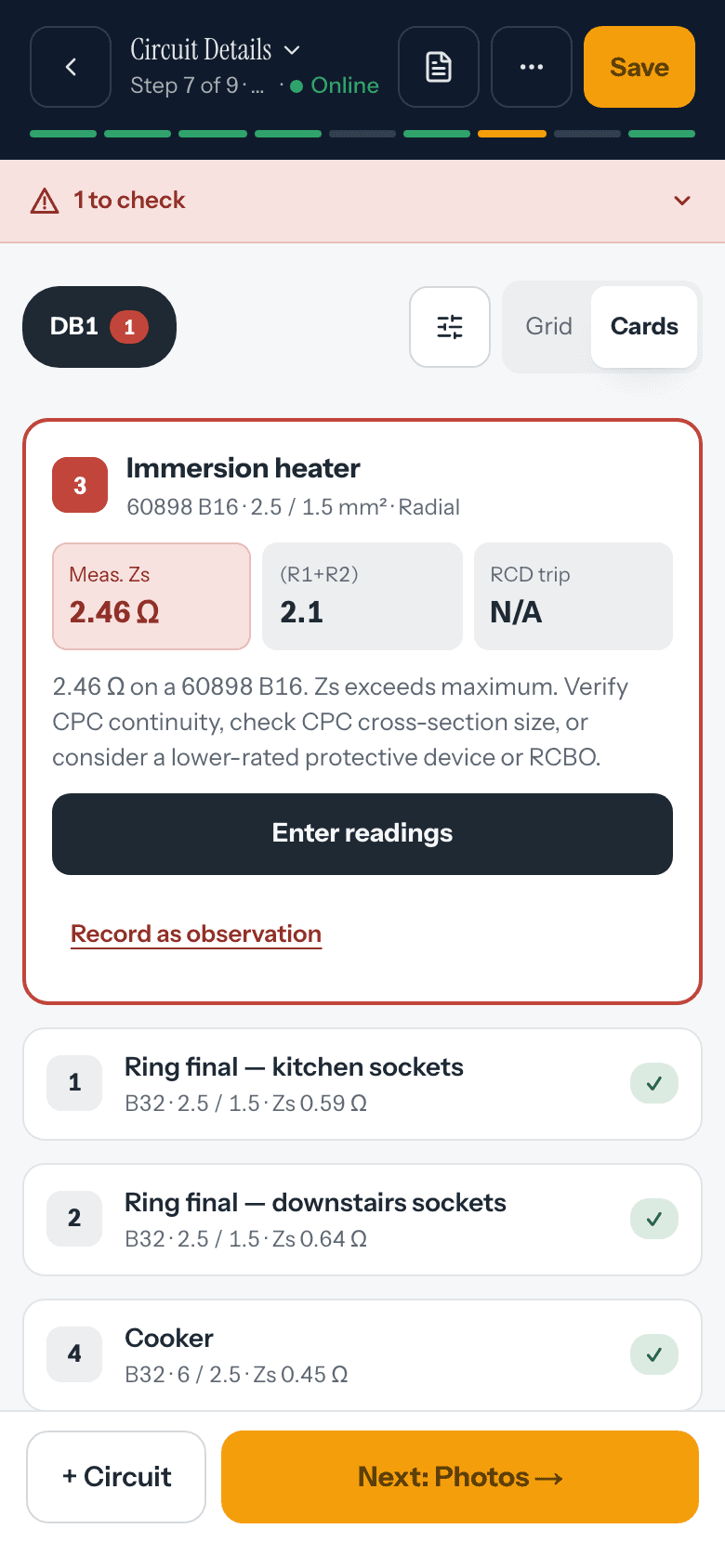
- With no signal, the chart is built on your device from the certificate you have open.
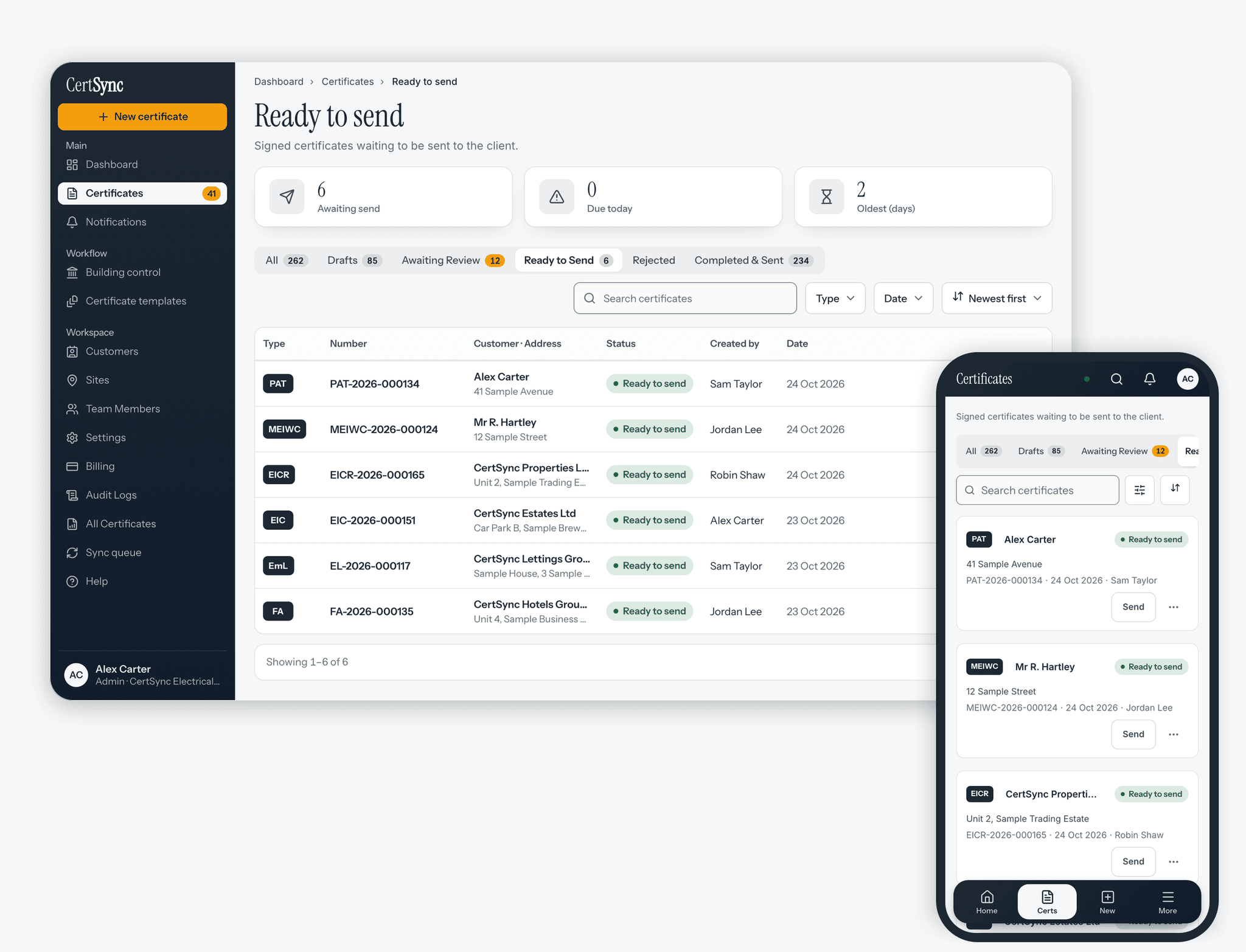
- Anyone who can see the certificate can print its chart. Switching on the verify page for a QR code is limited to people who can edit certificates.
- In the iPhone, iPad and Android apps the chart opens the share sheet, so you can print or save it.

Questions
Frequently asked questions
- What goes on the circuit chart?
- For each board: its name and location and its main switch as recorded, and for each way the number, the circuit description, the device type and rating, and the RCD or RCBO grouping. The certificate number, date, installation address and your company name are on it too.
- Are test results printed on the chart?
- No. The chart is a label for the occupier, so it shows what each circuit is and what protects it. Readings stay on the certificate.
- What sizes can I print?
- A4, A5, or a 62 × 100 mm label.
- Can I print a chart before the certificate is signed?
- Yes, but it is watermarked Draft and has no QR code. Once the certificate is signed you can print a clean chart with the QR code to its verify page.
- Does it work without signal?
- Yes. The chart is built on your device from the certificate you have open. A QR code needs a connection the first time it is set up, so an offline chart prints without it until then.
Keep reading
Related features, certificates and guides
Get started with CertSync
All 13 certificate types, one subscription. The first month is free.
First month free, then from £15/month. No fixed-term contract. Cancel any time.